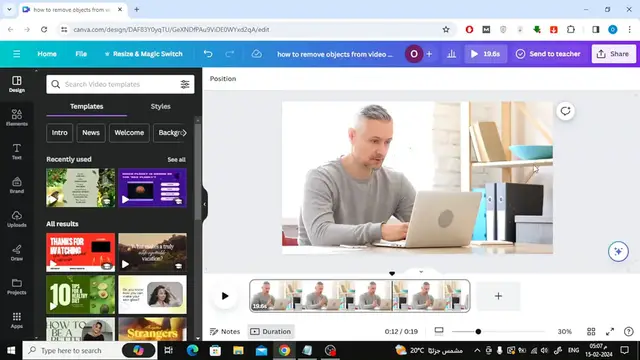

How To Remove Objects From Video In Canva
Apr 24, 2024

Struggling to cut unwanted objects from your videos in Canva? While Canva doesn't currently offer a built-in object removal tool, this video explores alternative solutions!
Here are some creative workarounds you might discover:
Strategic Cropping: Learn how to effectively crop your video to exclude unwanted objects from the frame.
Clever Masking (Optional): If your editing software allows, explore the potential of masking tools to hide objects behind other elements. (Note: This might require using external editing software)
Replace with Motion Graphics (Optional): Depending on the object and your video style, consider replacing it with a motion graphic element that complements your design. (Note: This might require using external editing software)
Remember, while a dedicated object removal tool isn't available yet, these alternative methods can still help you achieve a cleaner look for your Canva videos!
Show More Show Less #Computers & Electronics